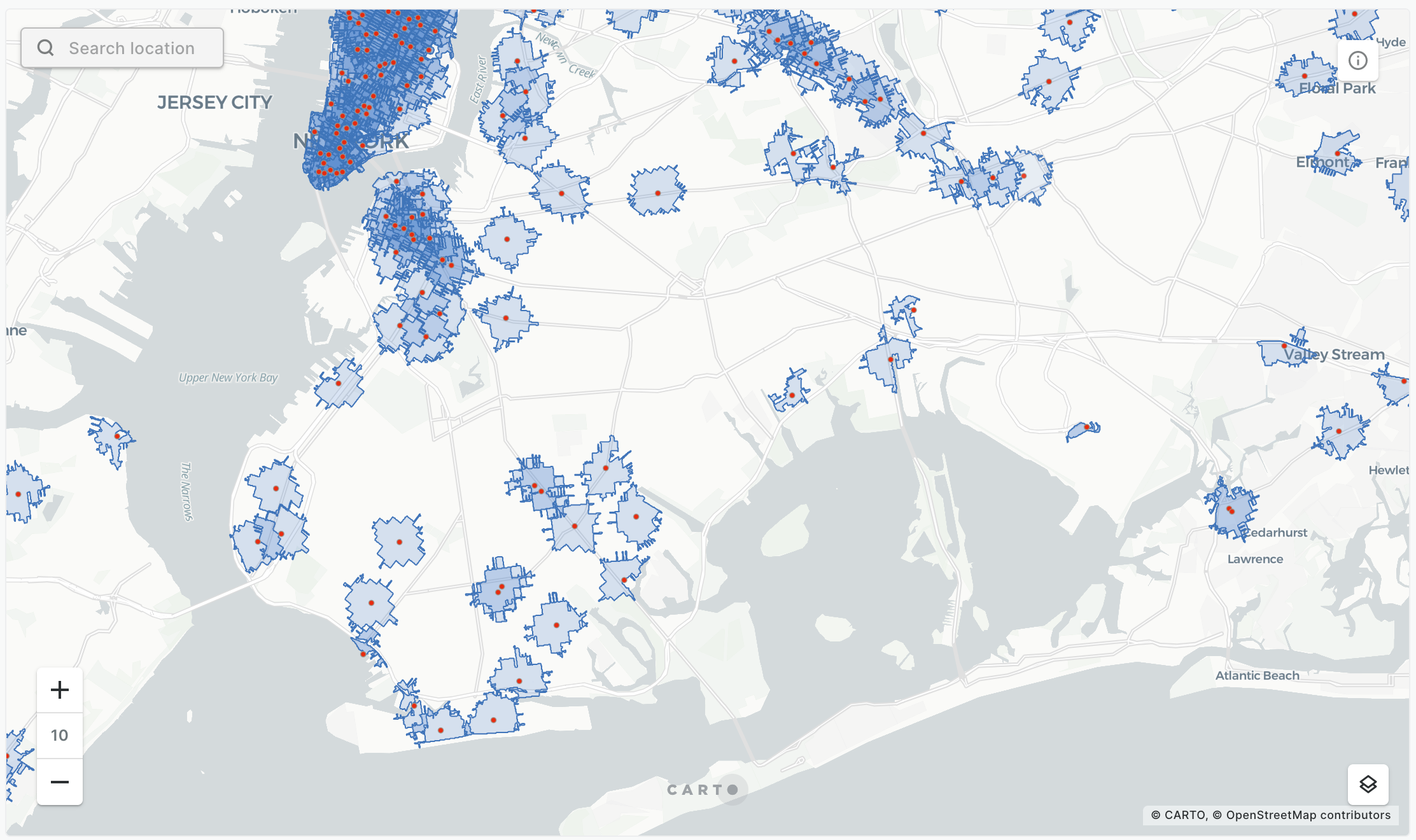
| Generating trade areas based on drive/walk-time isolines | We generate trade areas based on drive/walk-time isolines from Redshift console and from CARTO Builder. | gener.png | Generating trade areas based on drive/walk-time isolines | |
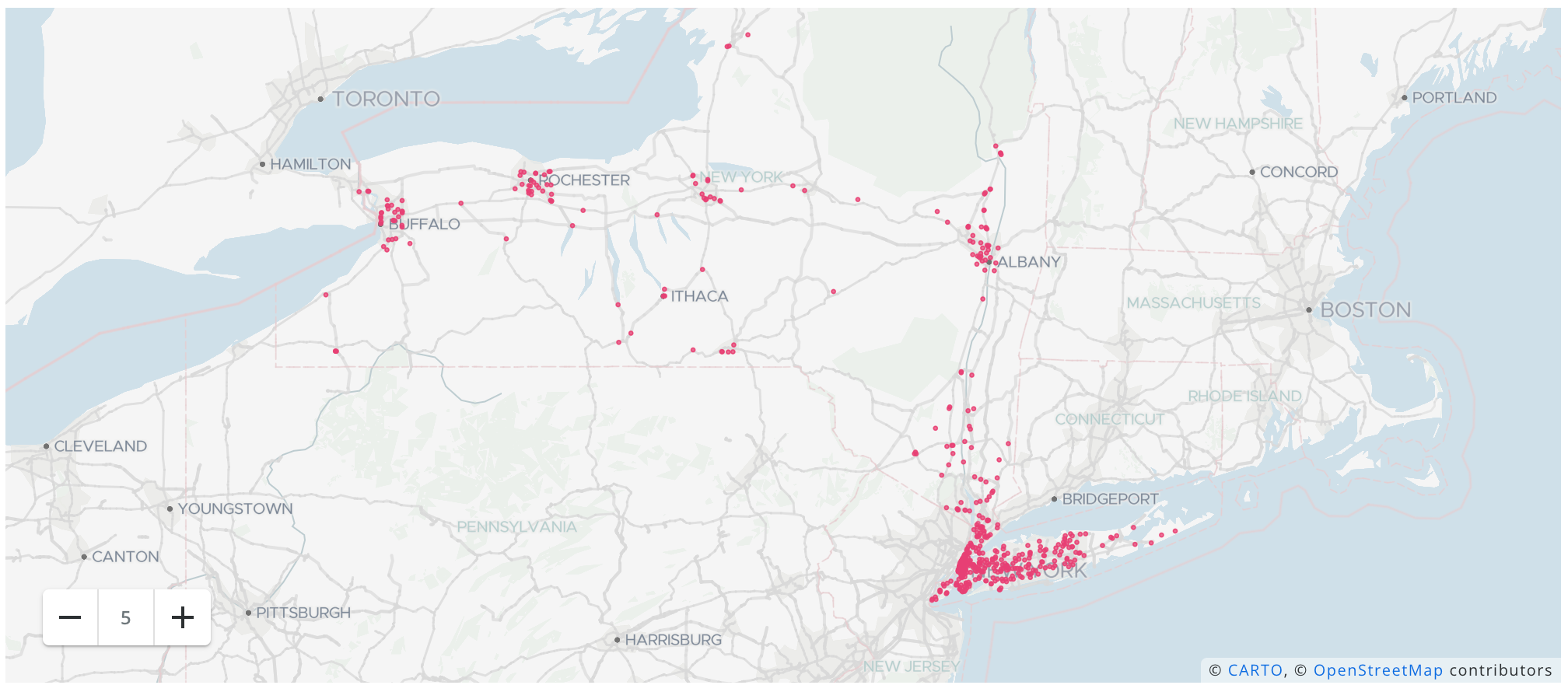
| Geocoding your address data | We provide an example that showcase how to easily geocode your address data using the Analytics Toolbox LDS module from the Redshift console and from the CARTO Workspace. | geo.png | Geocoding your address data | |
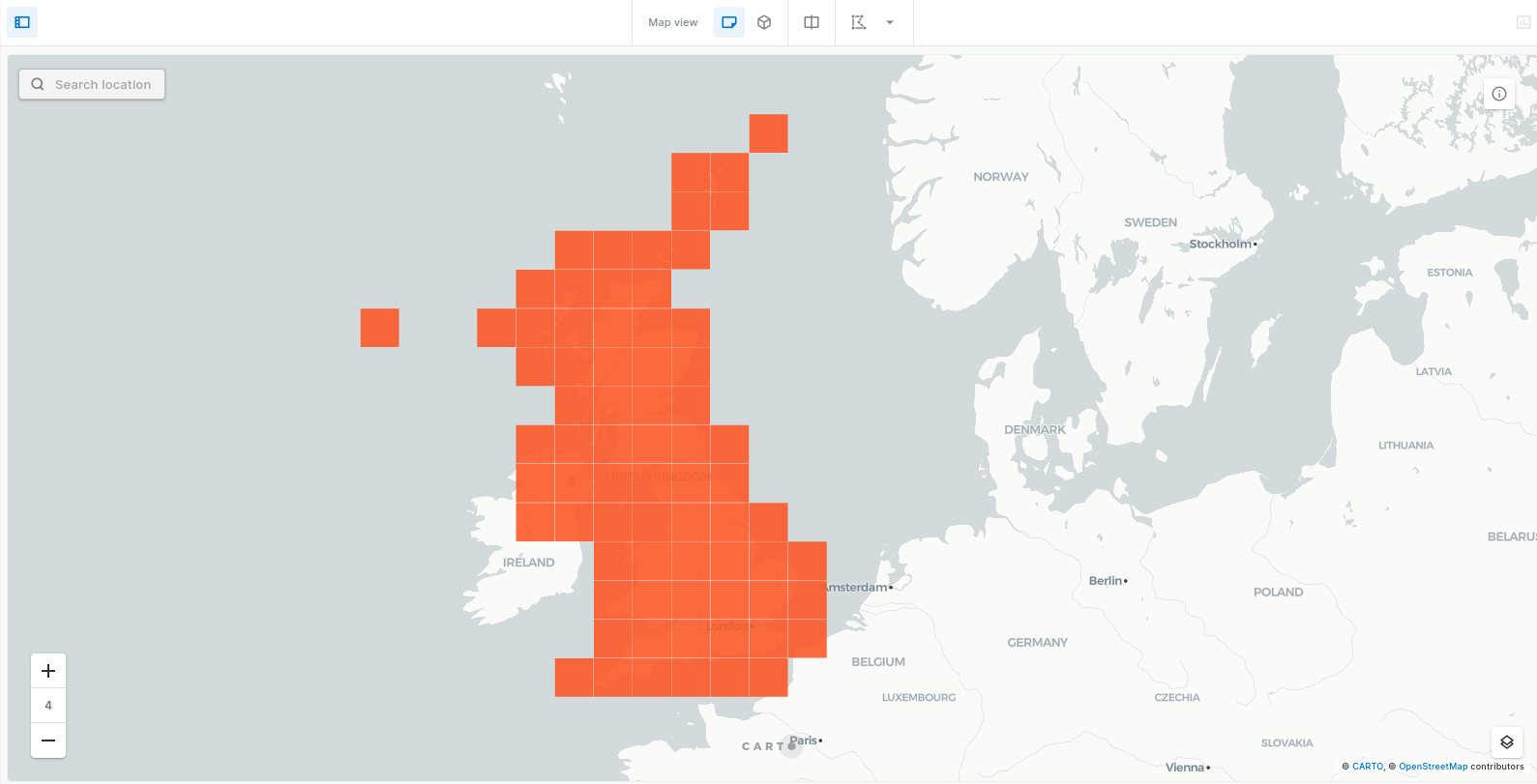
| Creating spatial index tilesets | We provide a set of examples that showcase how to easily create tilesets based on spatial indexes allowing you to process and visualize very large spatial datasets stored in Redshift. You should use this procedure if you have a dataset that... | ek.png | Creating spatial index tilesets |
 This project has received funding from the [European Union’s Horizon 2020](https://ec.europa.eu/programmes/horizon2020/en) research and innovation programme under grant agreement No 960401.
---
# Agent Instructions
This documentation is published with GitBook. GitBook is the documentation platform designed so that both humans and AI agents can read, navigate, and reason over technical content effectively. Learn more at gitbook.com.
## Querying This Documentation
If you need additional information that is not directly available in this page, you can query the documentation dynamically by asking a question.
Perform an HTTP GET request on the current page URL with the `ask` query parameter, and the optional `goal` query parameter:
```
GET https://academy.carto.com/advanced-spatial-analytics/spatial-analytics-for-redshift/step-by-step-tutorials.md?ask=
This project has received funding from the [European Union’s Horizon 2020](https://ec.europa.eu/programmes/horizon2020/en) research and innovation programme under grant agreement No 960401.
---
# Agent Instructions
This documentation is published with GitBook. GitBook is the documentation platform designed so that both humans and AI agents can read, navigate, and reason over technical content effectively. Learn more at gitbook.com.
## Querying This Documentation
If you need additional information that is not directly available in this page, you can query the documentation dynamically by asking a question.
Perform an HTTP GET request on the current page URL with the `ask` query parameter, and the optional `goal` query parameter:
```
GET https://academy.carto.com/advanced-spatial-analytics/spatial-analytics-for-redshift/step-by-step-tutorials.md?ask=